

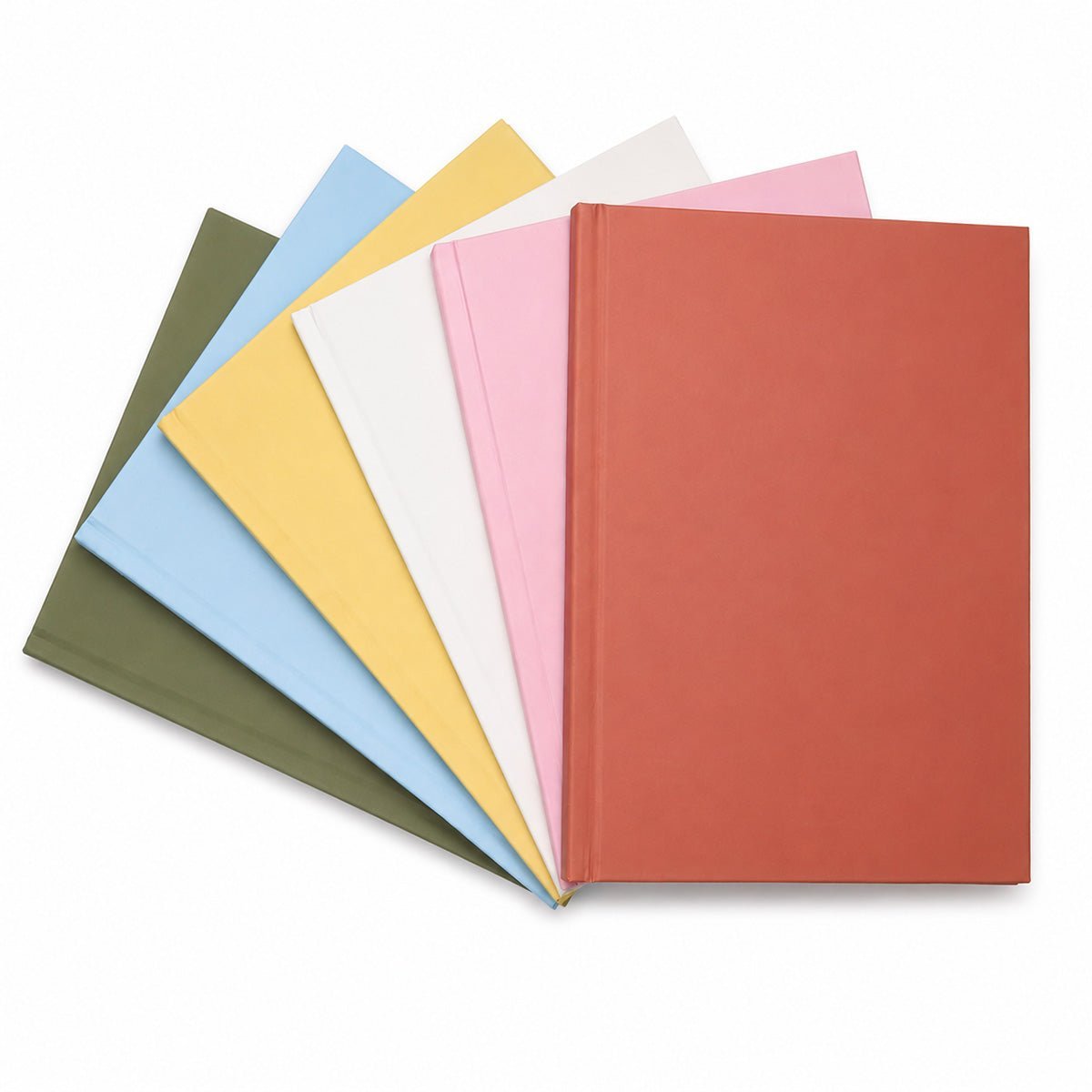
A stack of printed pages is a draft. The same stack inside a binding cover is a deliverable. This guide follows one document, a 60-page client report, from loose sheets to a finished, bound piece so you can see exactly what a binding cover does.
Stage 1: The pages that need a home
Clipped together, 60 pages slide apart. Stapled, they look like homework. A binding cover solves this by wrapping the pages in a front, back and spine in one piece, so the document holds together, protects the edges and looks finished the moment it lands on a desk.
Stage 2: What is inside the spine
Most thermal binding covers carry a strip of heat-activated adhesive on the inside of the spine. This strip is what separates a thermal cover from a plain folder.
• Before heating: the adhesive is a dry, solid strip.
• During binding: a thermal binding machine warms the spine until the adhesive turns molten.
• After cooling: the adhesive sets around the edge of every page and locks it in place.
That is why thermal binding is a popular choice for document binding that has to look clean and stay together: no punched holes, no combs and no coils.

Stage 3: The binding moment
1. Choose the right spine size. The spine has to match your page count. Use a spine capacity guide to pick the size.
2. Jog the pages. Tap the stack flat so the bottom edges align.
3. Seat the pages in the cover. The bottom edge of the stack should touch the adhesive strip.
4. Heat and cool. Place the cover in the machine until the adhesive melts, then let it cool.
The whole process takes minutes, and the result opens cleanly and reads like a book. If you want to see the machine side of this, our guide to how a thermal binding machine works is a good next step.
Stage 4: Choosing the cover for the job
Not every document needs the same cover. Peleman offers five cover types:
• Spine covers: a clean, minimal look for everyday reports.
• Flex covers: flexible, easy to handle, available in Black, White, Dark Blue, Quartz, Aluminum, Bordo and Dark Green.
• Soft covers: a lightweight option for high-volume work.
• Hard covers: a rigid, premium cover for executive and presentation documents.
• Custom covers: your branding on the front.
Stage 5: Why the cover matters
A good cover does three jobs at once. It protects pages from edge wear and handling, it presents your work with the weight your client expects, and it holds every page securely so the document stays closed and lies flat when opened.
Quick answers
Do binding covers work with standard office paper? Yes. Just match your page count to the right spine size.
Is thermal binding permanent? It is a durable bind for finished documents. If you need to add or remove pages often, another method may suit you better. See thermal vs. comb vs. coil covers.
Do I need a special machine? Thermal covers need a thermal binding machine. To understand the parts of a cover in detail, read the anatomy of a binding cover.
Keep reading
• comparing thermal, comb and coil binding: Compare thermal, comb and coil side by side.
• binding or presentation covers: See where presentation covers end and binding covers begin.
• what binding covers are made from: Compare feel, durability and cost by material.
• the parts of a binding cover: Learn what each part of a cover does.
• our binding cover buying guide: Answer five questions and pick the right cover.
Ready to bind your first document? Peleman has manufactured binding solutions since 1979 and serves more than 2,500 corporate clients. You buy manufacturer-direct, with a 1-year US warranty and same-week shipping from Georgia, and US orders over $99 ship free. Shop the full thermal binding collection.
Binding Covers: Complete Guide to Types, Sizes & Uses (2026)
Thermal vs Comb vs Coil Binding Covers: How to Choose